 Formixa
Read your way
Single, continuous, or two-page views, with zoom, fit width/page, fullscreen, dark pages, thumbnails, and page navigation.
Local-first document toolbox for Windows 11 — no uploads, no account, no watermarks.
Formixa v0.1.0 is deliberately focused: a calm reader and practical page toolbox for Windows 11.
Single, continuous, or two-page views, with zoom, fit width/page, fullscreen, dark pages, thumbnails, and page navigation.
Merge, split by pages or ranges, rotate, delete, reorder, and extract with undo/redo to keep changes reversible.
Search text with highlighted hits, open password-protected PDFs, and save safely with disk-space preflight.
Sessions never touch your original file implicitly. Use Save or Save As when you are ready.
Persisted theme, language, PDF view preferences, tray behavior, and settings backup keep the shell yours.
A WinUI 3 desktop experience for Windows 11 on x64 and ARM64, designed to feel at home.
Real product captures from the release bundle, presented with responsive sizing and descriptive alternative text.
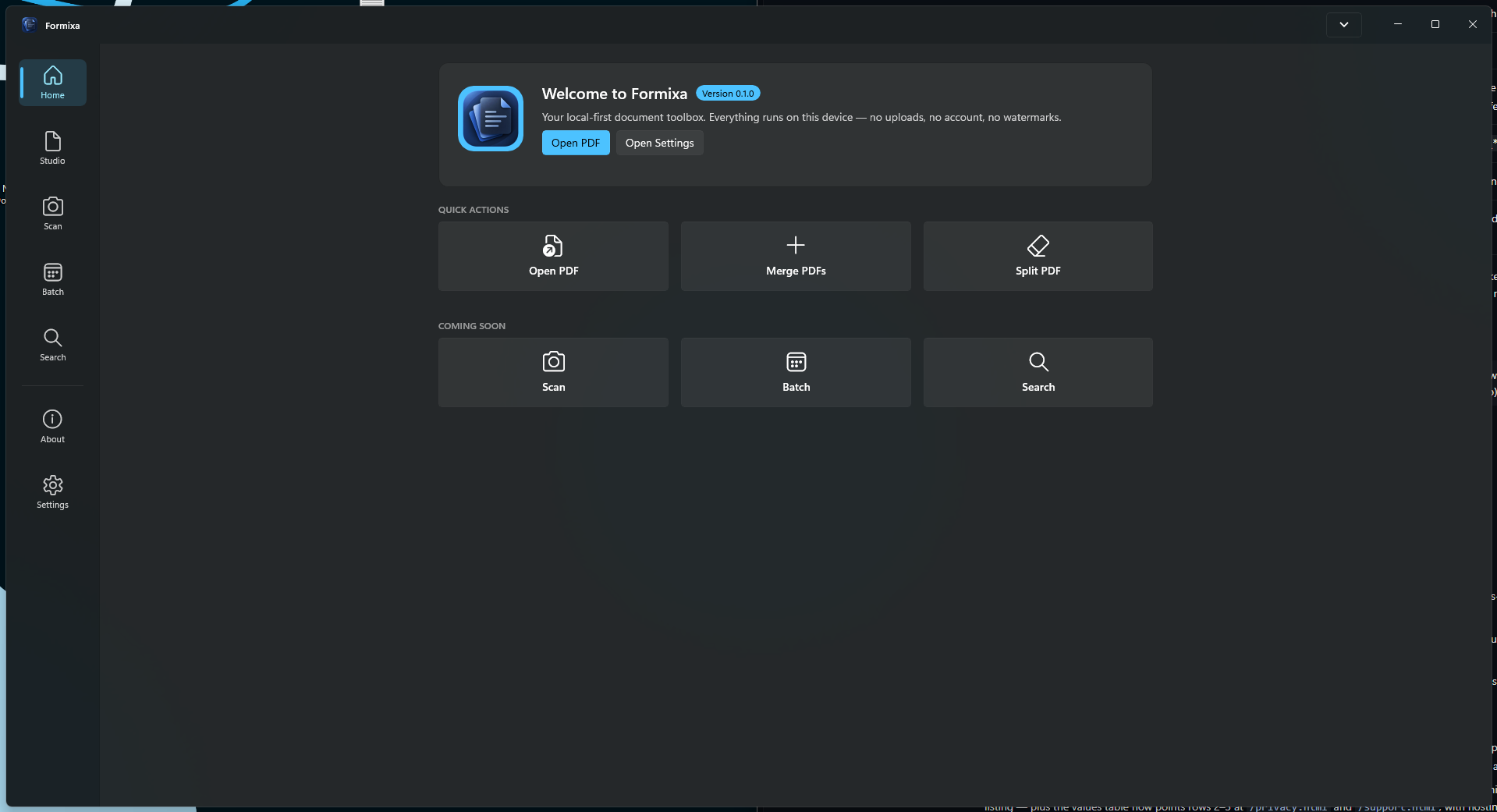 Open Screenshot 1 in a new tab
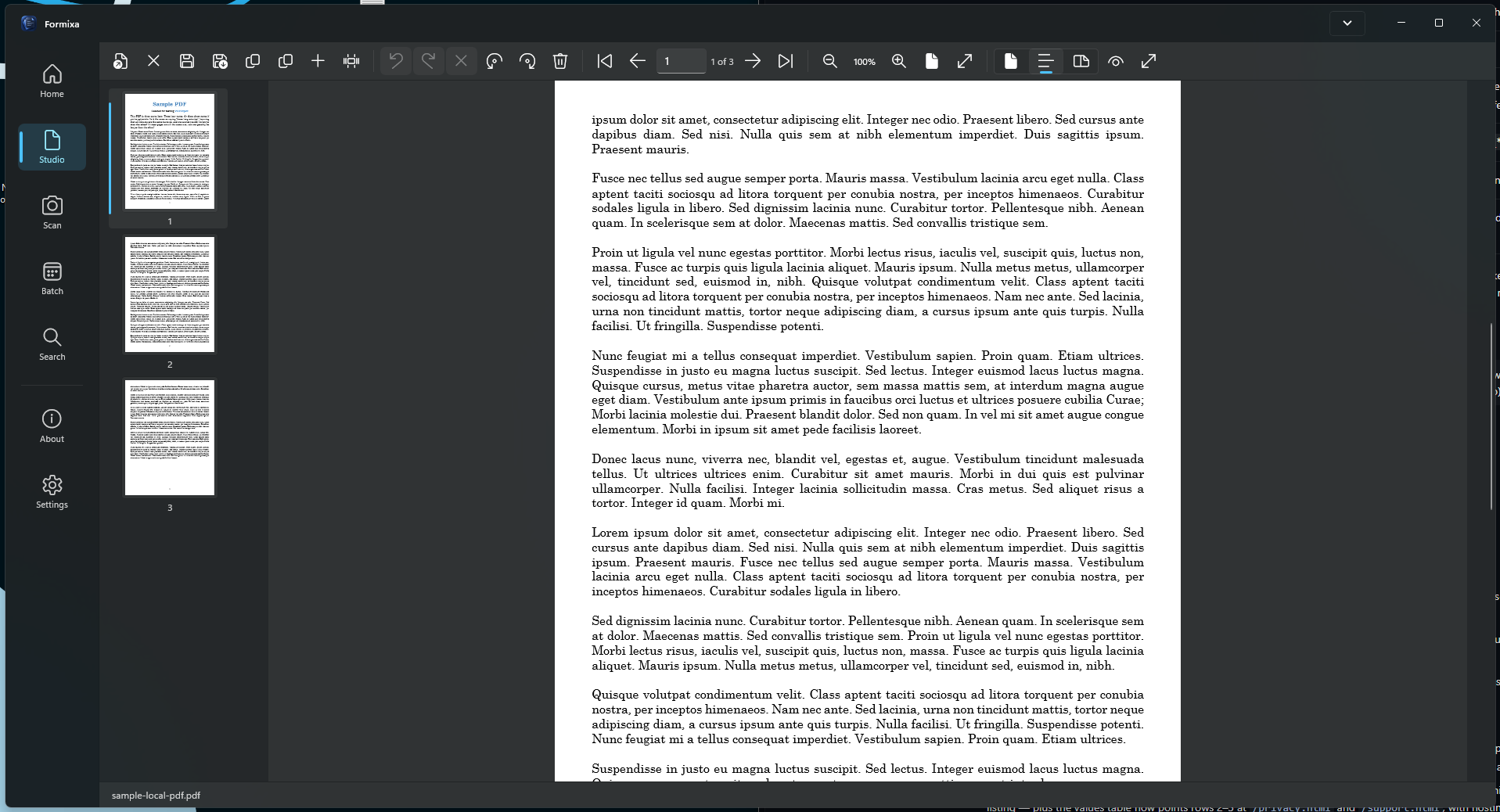 Open Screenshot 2 in a new tab
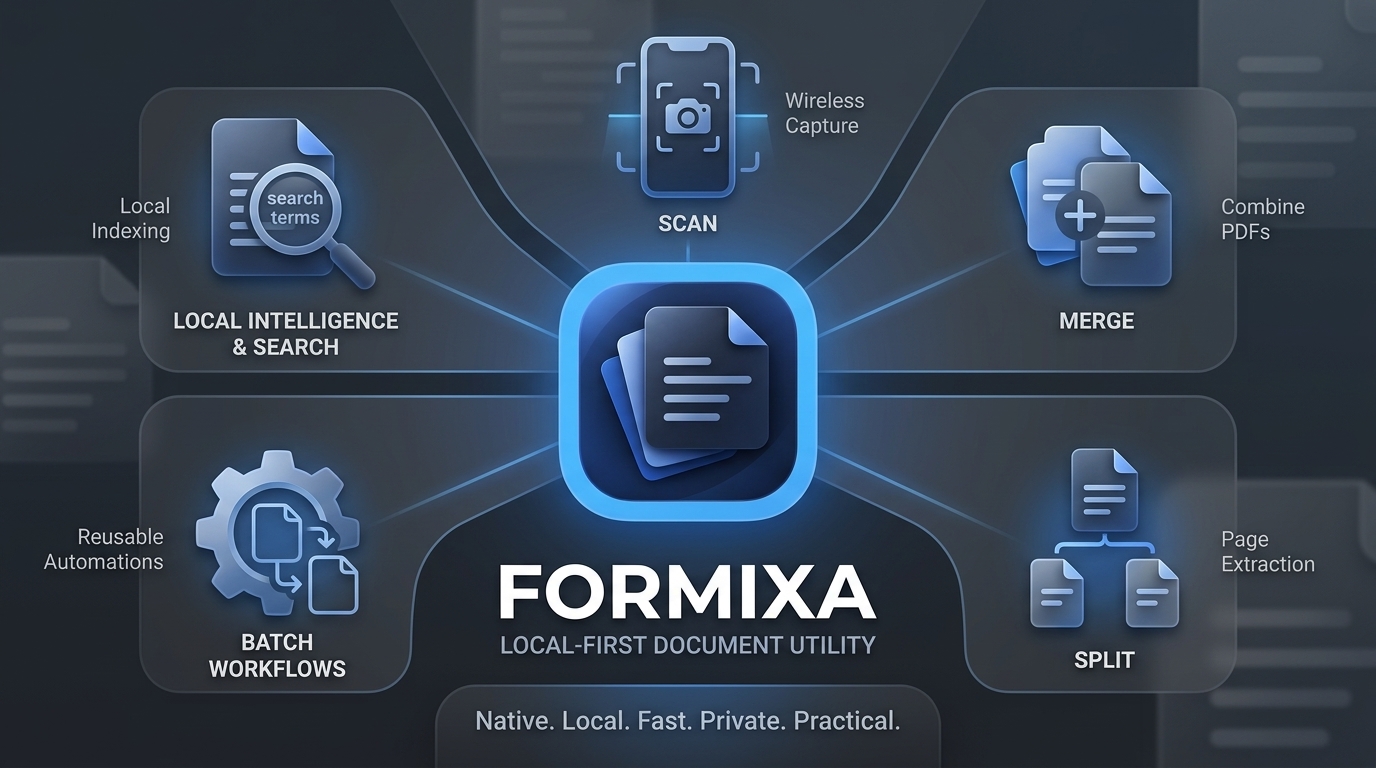 Open Formixa infographic in a new tab
Use the studio with the confidence that documents, settings, and diagnostics remain on this device.
Requires Windows 11 and supports x64 or ARM64 devices. For help with installation, files, backups, and more, visit the support guide.